

ChatGPT vs Copilot in Excel: I Gave Them the SAME UK Tax Challenge!
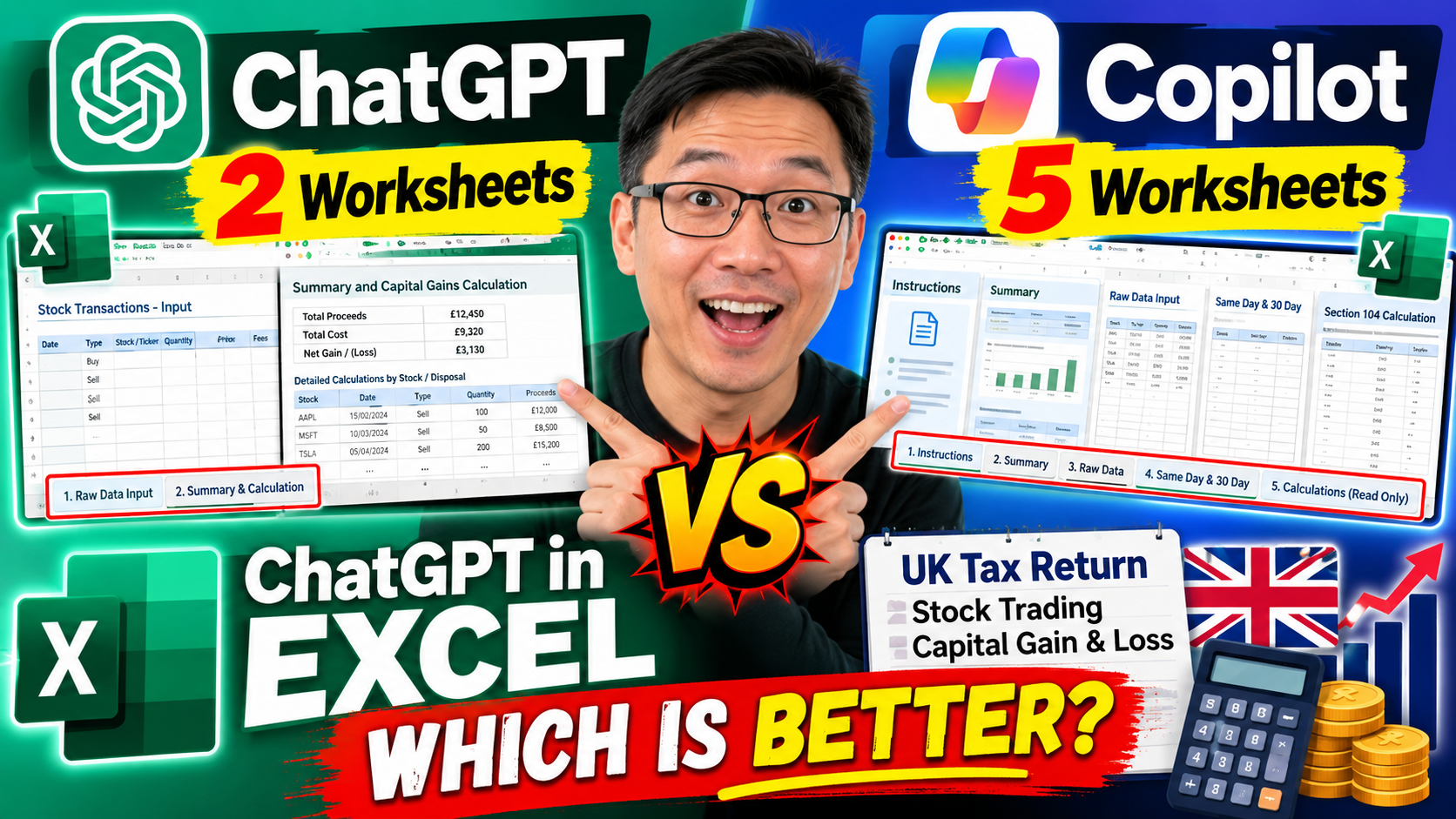
I tested ChatGPT in Microsoft Excel with a real-world challenge — creating a spreadsheet to help calculate stock trading capital gains and losses for a UK tax return.
But I didn’t stop there.
To make it a fair test, I gave Microsoft Copilot exactly the SAME assignment.
The results were surprisingly different.
🤖 ChatGPT created 2 worksheets
✨ Copilot created 5 worksheets
🇬🇧 Both identified an issue with my original calculation assumption
📊 Both produced structured workbooks for capital gains calculations
🏆 But which one produced the more practical and user-friendly result?
In this video, I walk through both AI-generated Excel workbooks and compare their structure, calculations, instructions and usability.
One thing particularly impressed me: instead of blindly following my prompt, both AI tools challenged my original assumption about using FIFO and highlighted the UK share-matching / Section 104 pool rules.
For this first-round comparison, I preferred the structure produced by Copilot — but there’s still a much more important test to come.
I’ll soon try these spreadsheets with real transaction data while preparing my tax return and see whether they are actually practical to use.
⚠️ Please note: This video is an AI and Excel experiment, not tax advice. AI-generated tax calculations should always be independently checked against current HMRC guidance or with a qualified tax professional.
💬 Which workbook would YOU prefer — ChatGPT or Copilot?
▶️ If you haven’t seen my previous test, check out my video where I tested ChatGPT in Microsoft Word and showed how to install ChatGPT for Microsoft Office.
🔜 NEXT: ChatGPT in PowerPoint — let’s see what it can do!
#ChatGPT #MicrosoftCopilot #Excel #ChatGPTExcel #MicrosoftExcel #AI #ArtificialIntelligence #UKTax #CapitalGainsTax #Productivity