

ChatGPT in Microsoft Word Is Here! I Tested It vs Copilot
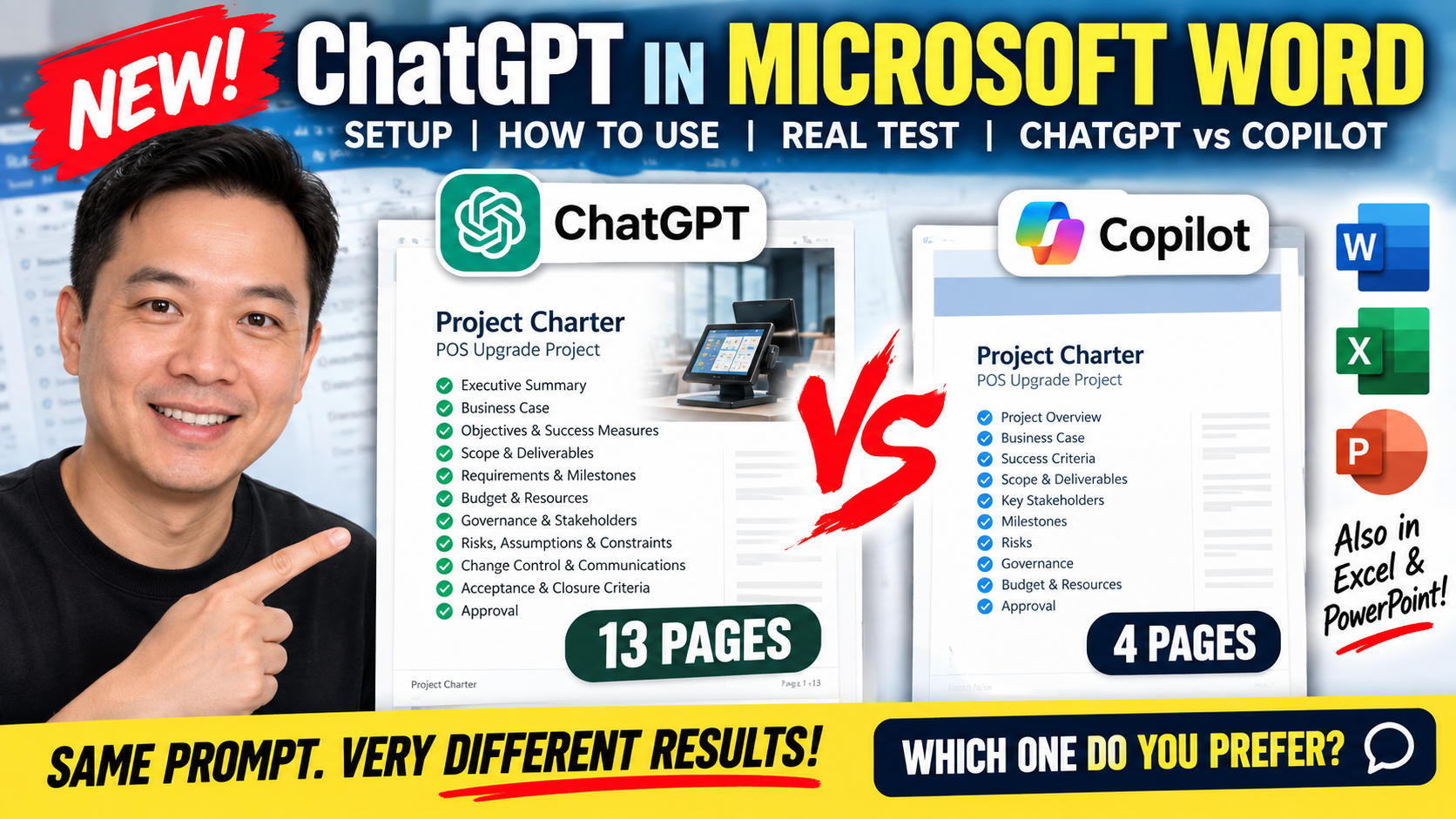
ChatGPT is now available directly inside Microsoft Word — so I put it to the test!
In this video, I show you how to install and set up ChatGPT in Microsoft Word, then compare it directly with Microsoft Copilot using exactly the same prompt:
“Create a project charter template for a POS upgrade project.”
The results were surprisingly different.
📄 ChatGPT generated a 13-page project charter
📄 Copilot generated a 4-page project charter
I walk through both documents and compare the sections they generated, including:
• Business case and objectives
• Scope and deliverables
• Requirements and milestones
• Budget and resources
• Governance and stakeholders
• Risks
• Assumptions and constraints
• Change control and communications
• Acceptance and closure criteria
• Approval
The important question isn't just which AI generates more pages — it's which output gives you the most useful starting point for your work.
And remember: AI should accelerate your work, not replace your judgement.
Human leads. AI accelerates.
Which version do you prefer — ChatGPT or Copilot? Let me know in the comments.
And should I test ChatGPT in Excel or PowerPoint next?
#ChatGPT #MicrosoftWord #MicrosoftCopilot #AI #ArtificialIntelligence #Productivity #ProjectManagement #Microsoft365 #AITools #FutureOfWork