

I Built My Own Copilot Agent... And It Actually Works! 🤖🚀
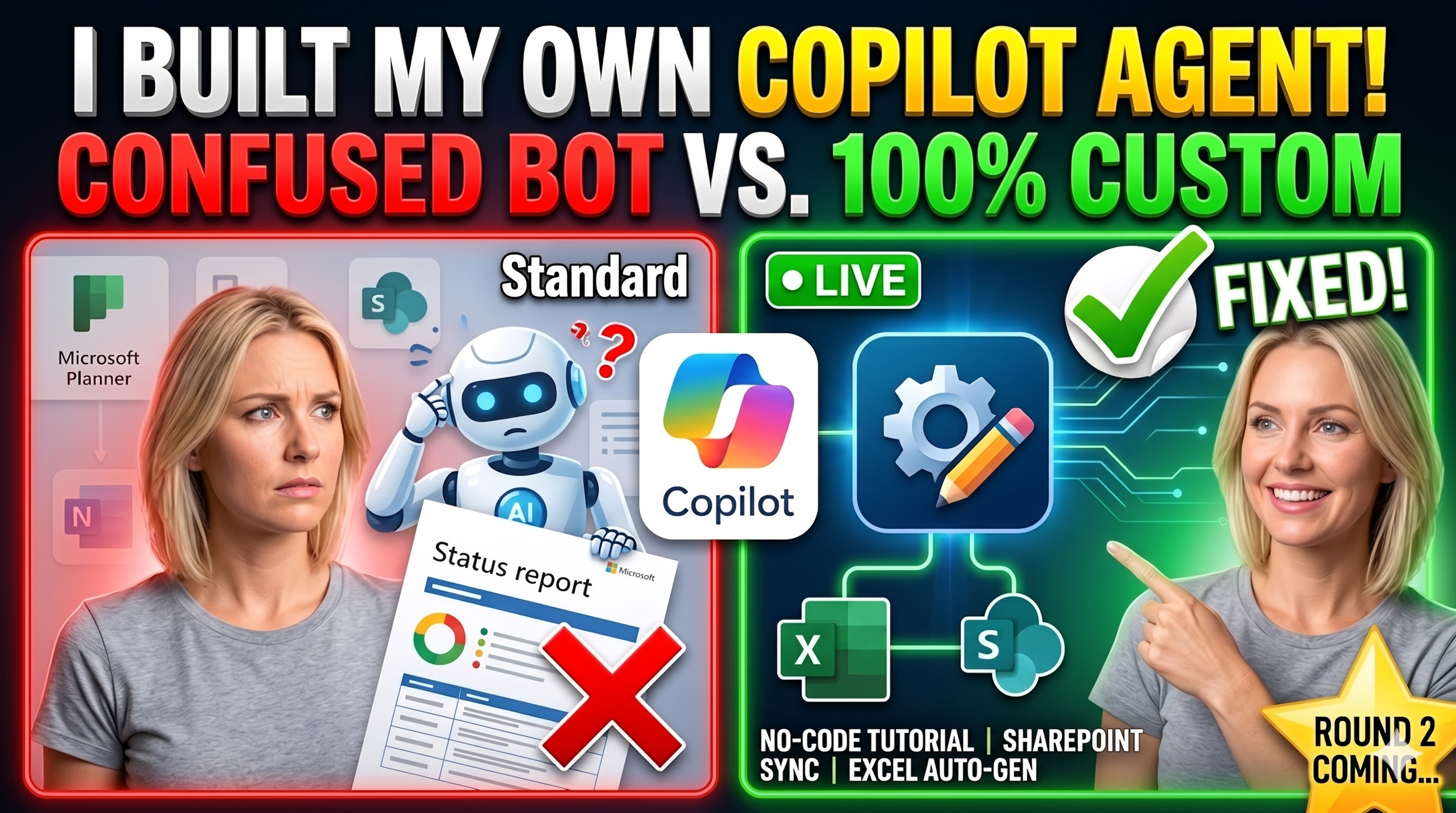
Fed up with the standard Microsoft Planner agent? Me too. In this video, I’m taking you behind the scenes as I build a CUSTOM Project Management assistant from scratch using the new Microsoft 365 Agent Builder. No code, no complexity—just pure productivity.
I’ll show you the exact journey: from the "Not Supported" errors and multi-project confusion to the "Aha!" moment where we use SharePoint file paths to create a 100% accurate status reporting machine.
What you’ll learn in this video:
- How to launch the No-Code Agent Builder from your sidebar.
- The "Privacy First" strategy: Why I skipped Emails and Teams chat as knowledge sources.
- The Secret Tweak: Using specific SharePoint file paths to fix AI confusion.
- THE FINAL TEST: Watching the agent auto-generate an Excel status report in under a minute!
Stick around until the end to see the final deployment to my production environment. Is this the future of Project Management? Let’s find out!
Don't forget to LIKE and SUBSCRIBE for Round 2, where I'll be comparing Copilot in Planner vs. Planner Agents vs Custom Agents!
#Microsoft365 #Copilot #ProjectManagement #AI #NoCode #MSPlanner #SharePoint #ProductivityHacks #TechTutorial #CustomAI