

Testing Microsoft Copilot Agents Part 2: Planning, Charters, & Visual Charts
In Part 1, we built it. In Part 2, we break it. 💥
Welcome back! Today I’m putting my Microsoft Copilot Agents to the ultimate stress test. I promised you an honest look at how these tools handle real-world project management, and let’s just say… it was a rollercoaster.
We’re moving beyond simple chat to see if AI can actually handle the "Heavy Lift" of project planning.
[What’s in this Video]
I challenged my Custom Agent to build a full project ecosystem:
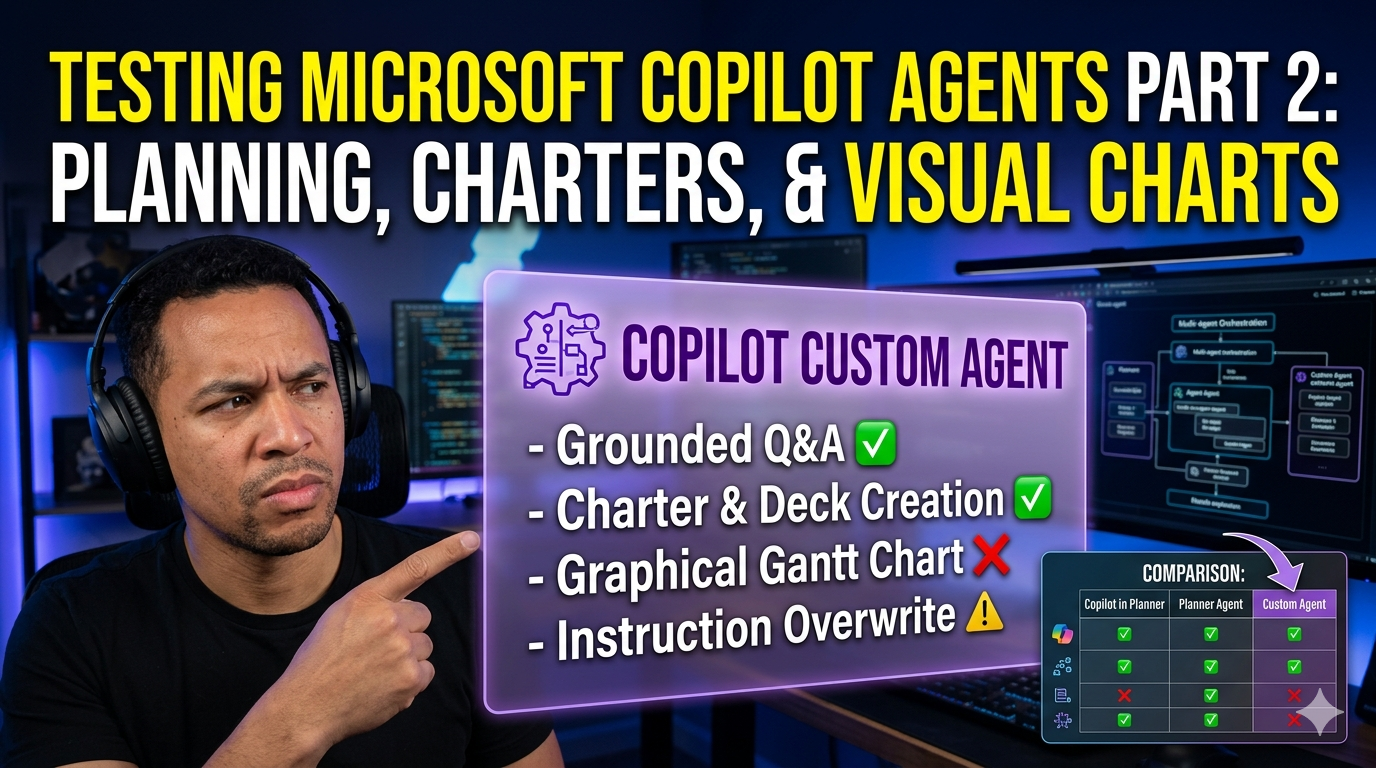
✅ Project Planning: From a high-level draft to a detailed, actionable Excel plan.
✅ Kick-off Documents: Generating a Project Charter (Word) and a Kick-off Deck (PPT) in seconds.
✅ The "Big Boss" Task: Attempting to automate a graphical Gantt Chart timeline.
[The Reality Check] It wasn't all smooth sailing. I’m sharing the raw footage of where the AI hit a wall—from "hallucinated" project phases to the dreaded "Instruction Overwrite Bug" that nearly wiped out my entire configuration. If you’ve ever felt like your agent has "amnesia," you aren't alone.
[The Verdict: When to use What?] I’ve broken down the 2026 Microsoft ecosystem into a clear comparison matrix for you:
- Copilot in Planner: Your daily status assistant.
- Planner Agent: Your project skeleton builder.
- Copilot Custom Agent: Your cross-platform architect (with some quirks!).
[What’s Next?] Is the Custom Agent enough, or do we need more control? Stick around until the end where I reveal our next destination: Copilot Studio. If you want to stop "chatting" with settings and start truly orchestrating AI behavior, you won't want to miss Part 3.
Don't forget to Like if this saved you some "AI frustration" and Subscribe to follow the journey into Copilot Studio!
#MicrosoftCopilot #CopilotAgents #MicrosoftPlanner #AIProjectManagement #GanttChart #CustomAgents #Microsoft365 #PlannerAgent #AgenticAI #MicrosoftVlog #ProjectManagementTools #AIAutomation #ProductivityHacks