

Is Copilot Studio Actually Ready for Project Management Automation?
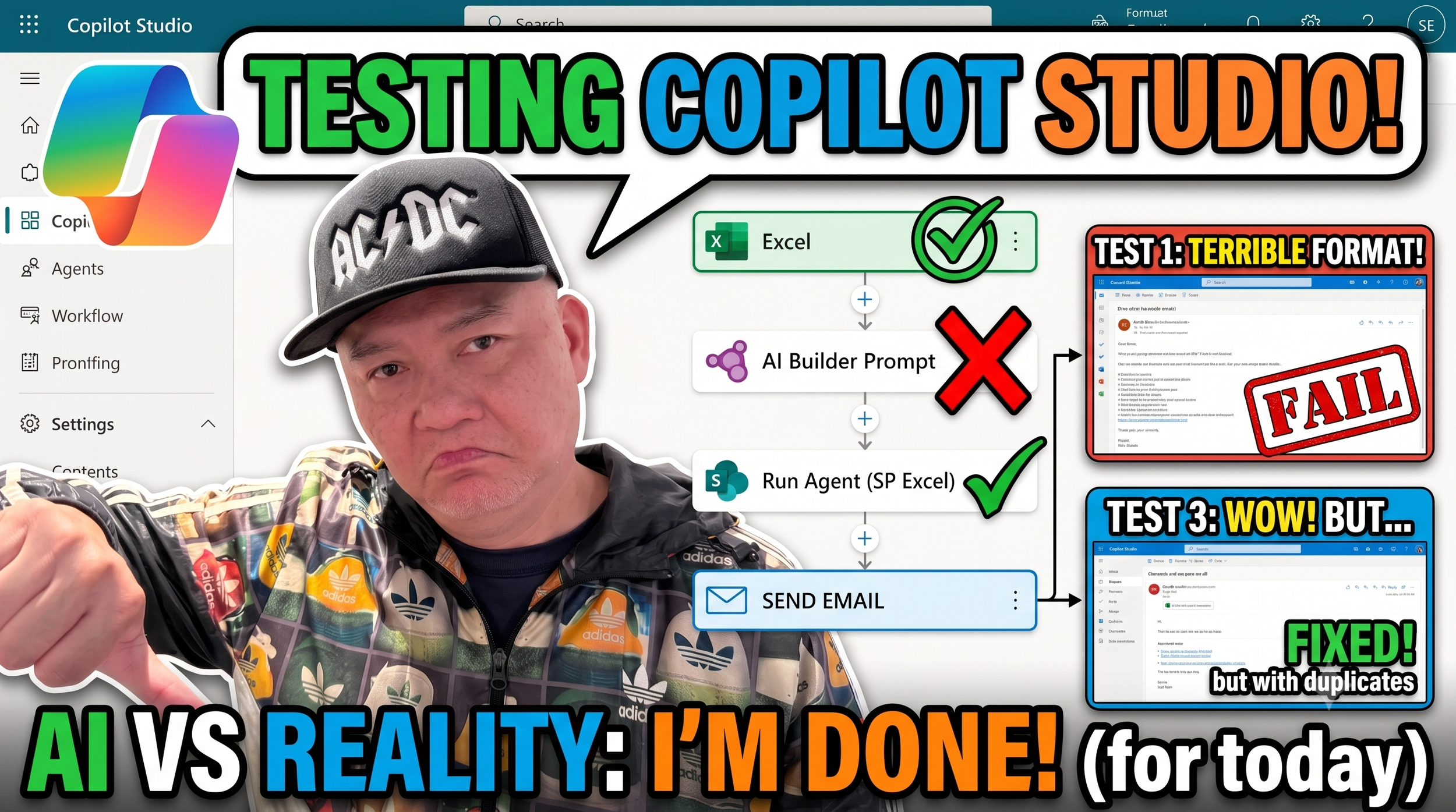
Can Microsoft Copilot Studio actually automate your project management, or is it just another AI hype train?
After my last video, I was still on the hunt for the perfect automation tool to pull data from a project plan and email out a status update. Today, we are putting Copilot Studio Workflows to the ultimate test.
Watch as I run into classic Microsoft roadblocks, battle the AI Builder (spoiler: it completely gave me the wrong instructions), and figure out a clever "Run an Agent" workaround using SharePoint Excel data.
We actually got the workflow to run, but things got incredibly messy when it came to the email formatting. From massive unreadable text walls to accidental duplicate AI outputs, this was a wild ride of trial and error.
If you've been struggling to get clean, structured outputs from your M365 Copilot integrations, you won't want to miss the "Structured Output" trick I stumbled into halfway through this build!
Should I do a Part 2 to fix the remaining duplicate bugs and completely perfect this email format? Let me know your thoughts in the comments below!
If you enjoyed the video, make sure to hit that LIKE button and SUBSCRIBE for more honest, no-BS tech reviews and automation tutorials!
#MicrosoftCopilot #CopilotStudio #PowerAutomate #M365 #ProjectManagement #AIAutomation #TechReview