

How to Set Up Out of Office in Outlook with Microsoft Copilot (In Seconds!)
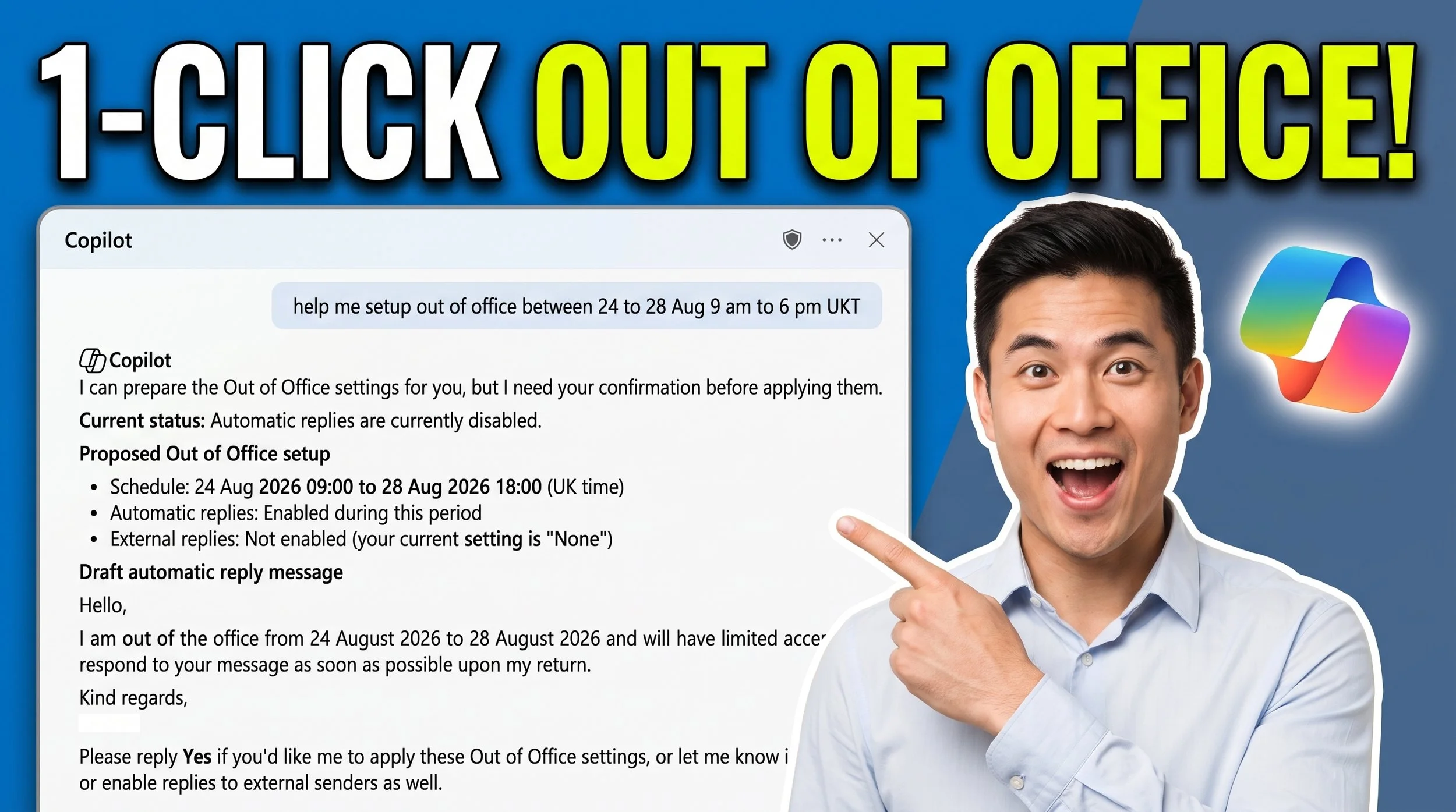
Stop wasting time searching through Outlook settings every time you go on vacation! In this quick tutorial, you'll learn how to use Microsoft Copilot to configure your Out of Office (Automatic Replies) in Outlook using simple natural language prompts.
In this video, you'll see how to:
- Prompt Copilot with your exact vacation dates and time zone.
- Review and adjust the AI-generated out-of-office message.
- Easily toggle automatic replies for external senders outside your organization.
- Verify your auto-reply status inside Outlook's Account Settings.
Using Microsoft 365 Copilot drastically speeds up your daily email workflow. Watch step-by-step as we go from a quick prompt to fully configured settings in under a minute!
Did you find this Copilot shortcut helpful, or would you like to see a deep dive into complex Microsoft 365 automated workflows? Drop your thoughts in the comments below! If this saved you time, hit Like and Subscribe for more actionable AI productivity tips every week!
#MicrosoftCopilot #Outlook #Microsoft365 #Copilot #Productivity #AI #OutlookTutorial #WorkplaceAI