

Can Microsoft Planner’s Copilot ACTUALLY Manage Your Project?
(Honest Test)
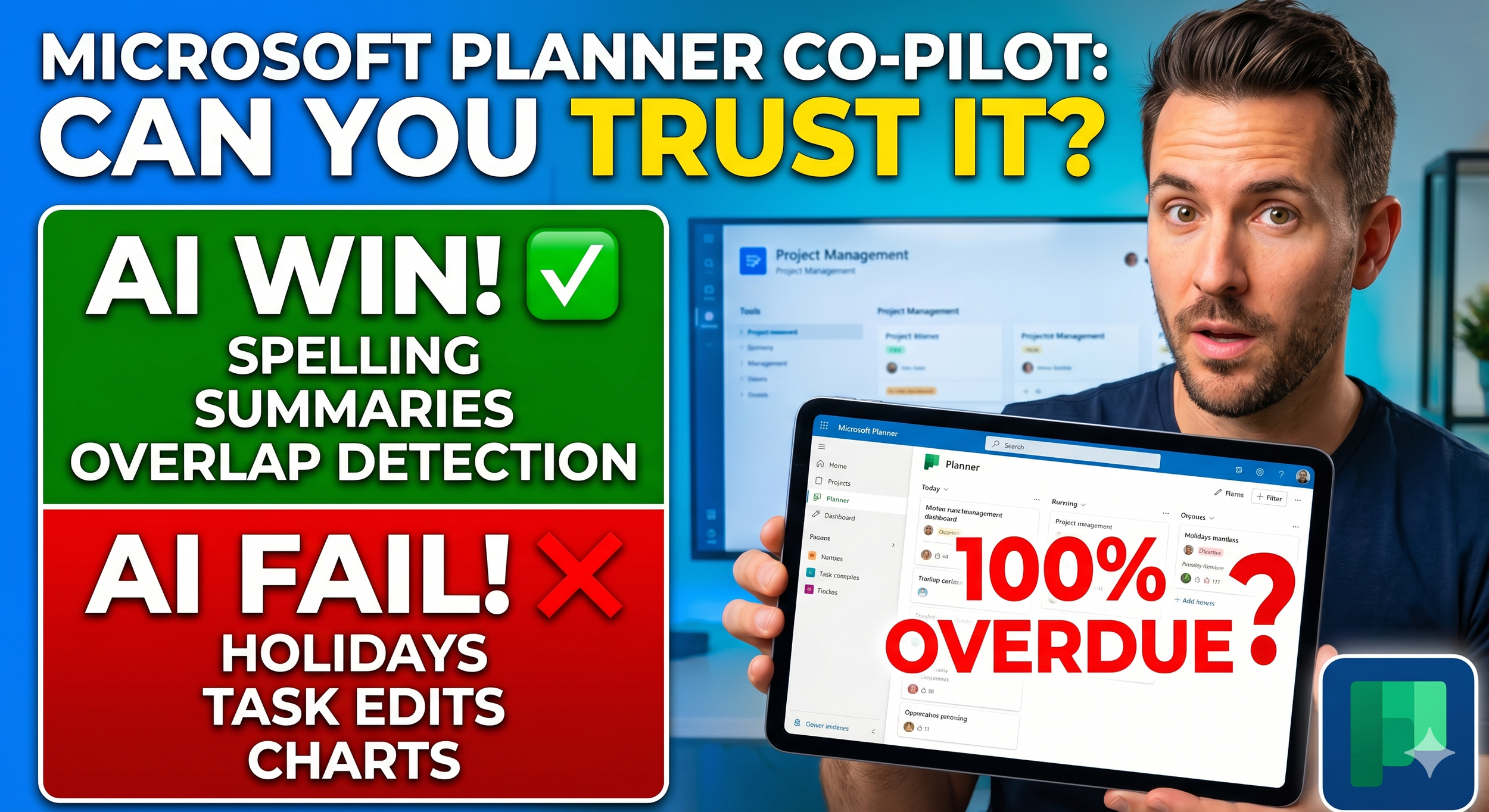
Microsoft has officially integrated Copilot into the new Unified Planner, but is it actually a Project Manager’s dream or just a basic chatbot in a fancy suit?
In today’s video, I’m putting the Microsoft Planner AI to the ultimate stress test. I seed my project with errors, holiday conflicts, and complex requests to see if Copilot can handle the pressure.
We’ll look at:
- The Wins: Spelling checks, overdue task filtering, and 30-day lookaheads. - The Fails: UK Public Holiday awareness, task placement, and the "disappearing" dates.
- The "Big Boss" Test: Can it actually generate a Milestone Chart?
SPOILER: The results were... mixed. While the text summaries are brilliant, the visual reporting has some serious "hallucination" issues (wait until you see the 100% overdue error!).
NOTE: This test covers the built-in Copilot functions. Stay tuned for my next video where I’ll be doing a deep-dive solely on the Planner Agent to see if it can fix the issues I found today!
Don't forget to Like and Subscribe for more honest AI productivity tool reviews!
#MicrosoftPlanner #MSPlanner #Copilot #Microsoft365 #ProjectManagement #AIReview #PlannerAgent #ProductivityTips #TechReview #ProjectManager