

8 Copilot Secrets That Will Save You Hours in PowerPoint
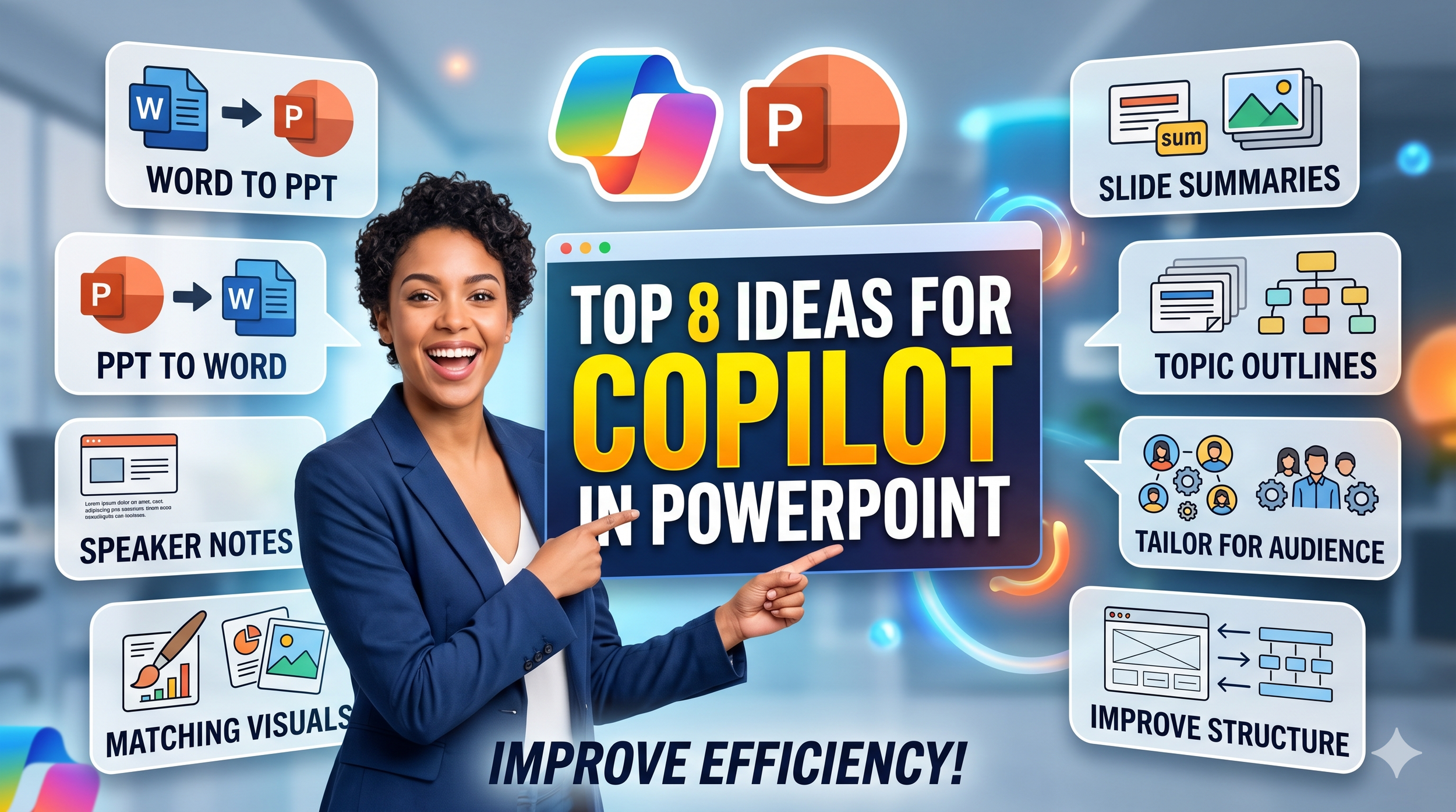
Stop wasting hours on formatting and "copy-paste" hell! In this video, I’m sharing my top 8 favourite ideas for using Microsoft Copilot in PowerPoint to supercharge your productivity.
What you'll learn: Whether you’re a Project Manager juggling multiple reports or a leader preparing for a high-stakes briefing, these AI-driven workflows will change how you work. We’ll cover everything from transforming Word documents into full decks to using Copilot as your personal presentation coach to refine your slide structure.
Key Features Covered:
- Word to PowerPoint (and the reverse!)
- Generating instant Speaker Notes
- Creating custom AI visuals
- Summarizing massive decks for leadership
- Tailoring content for specific audiences
- Auditing your slide flow and structure
If this video helps you get your time back, please Like and Subscribe for more AI productivity hacks!
Which tip was your favorite? Let me know in the comments! 👇
#MicrosoftCopilot #PowerPointTips #AIProductivity #ProjectManagement #Microsoft365 #ArtificialIntelligence #PresentationSkills #WorkflowHacks