

What I Learned After 6 Months Using Microsoft Copilot on Real Projects
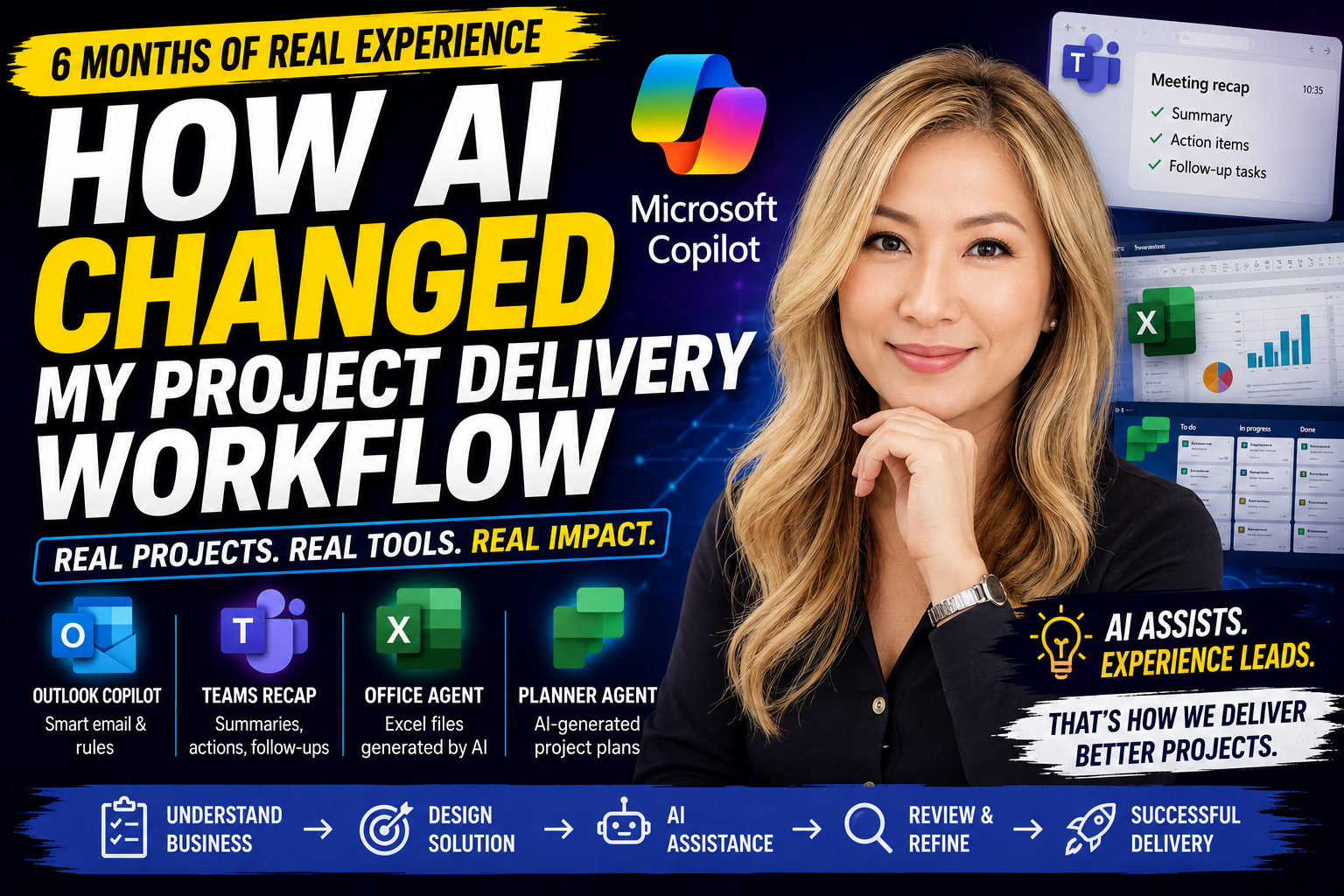
Have you ever thought AI could manage your entire project for you? I did too.
After spending the last six months using Microsoft Copilot in real client projects, my perspective has completely changed.
In this video, I share what actually works, what doesn't, and how I now integrate AI into my daily project delivery process.
Rather than replacing experience, I've found AI is most powerful when it supports experienced decision-making.
In this video you'll learn:
✅ How I use Outlook Copilot to reduce repetitive work
✅ How Teams Meeting Recap saves hours of documentation
✅ My experience testing Microsoft 365 Office Agent
✅ How Planner Agent helps kick-start project planning
✅ Real examples of using AI to assist SQL development and troubleshooting
✅ The project delivery methodology I now follow when working with AI
Whether you're a Project Manager, Business Analyst, Developer, Consultant or IT Leader, I hope my real-world experience helps you get more value from AI in your own work.
💬 I'd love to hear your thoughts. How are you using AI in your daily work? Has it changed the way you deliver projects? Leave a comment below.
👍 If you enjoyed this video, please Like, Subscribe and turn on notifications for more practical AI, Microsoft Copilot and Project Management content.
#MicrosoftCopilot #AI #ProjectManagement #Productivity #Microsoft365 #Teams #Outlook #Planner #ArtificialIntelligence #BusinessAnalysis #SQLServer #DigitalTransformation #ProjectManager #AIWorkflow #Copilot #MicrosoftAI