

How to Build a Professional FAQ & Dashboard from Messy Logs (Microsoft Copilot Workflow)
Stop letting your data live in a "Black Box." In my last video, we looked at how AI Agents can automate entire presentations, but I heard your feedback loud and clear: sometimes you want the speed of AI without losing the control of a Project Manager.
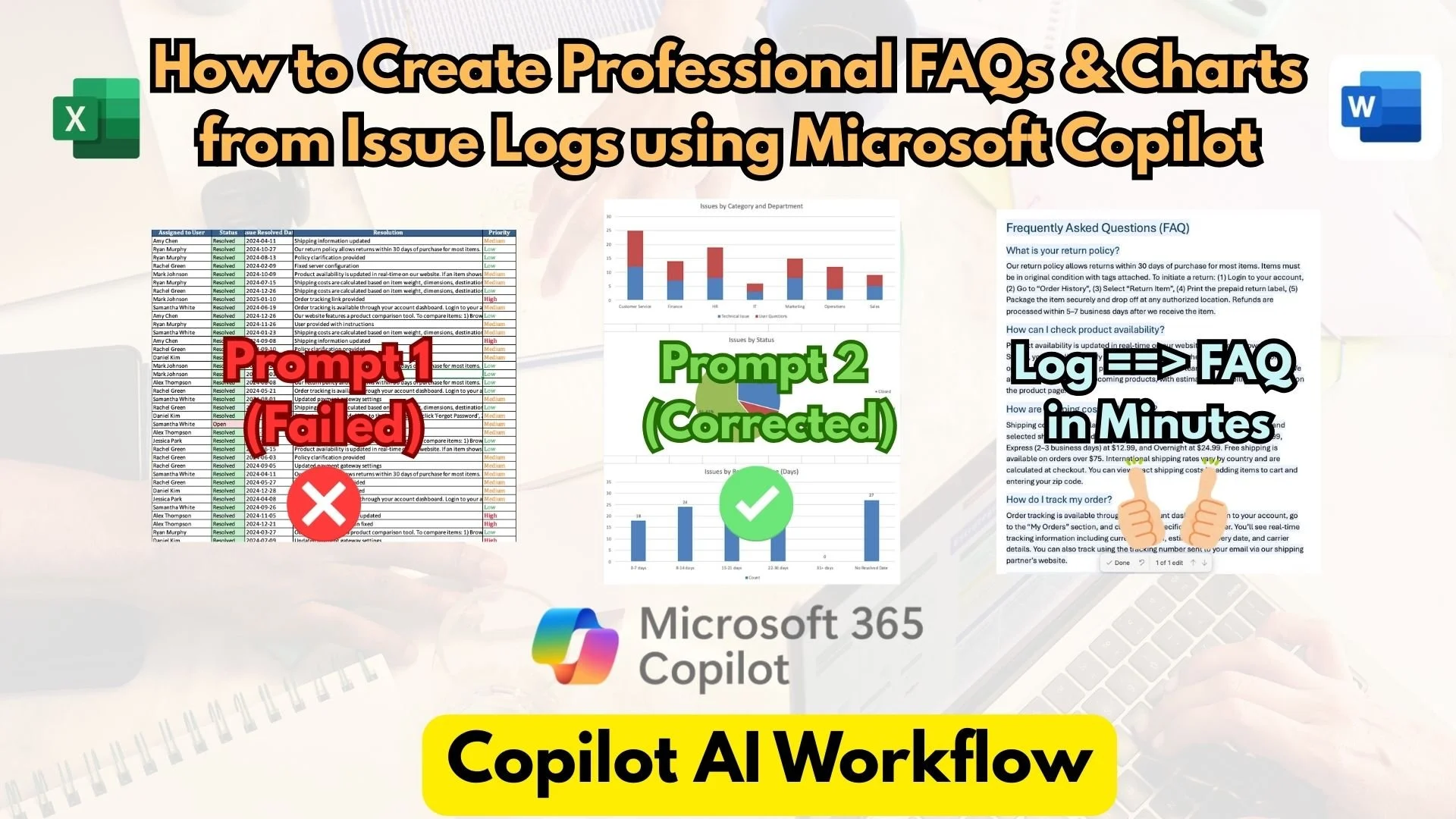
In this video, I demonstrate my "Co-Pilot" workflow for transforming a raw system issue log into a polished, stakeholder-ready FAQ document. We’ll bridge the gap between Excel and Word to create something professional, accurate, and fast.
What you’ll learn in this video:
- The Excel Edge: How to use Copilot to analyze hundreds of rows and generate clear charts in seconds.
- The Reality Check: Watch what happens when Copilot fails its first "math test" and how I used iterative prompting to fix the data.
- The Data Bridge: Moving your cleaned Q&A from Excel to Word without losing formatting.
- The Final Polish: Using Copilot in Word to turn a "boring table" into a structured, branded FAQ document.
Whether you're a Project Manager, a Support Lead, or just someone tired of manual data entry, this workflow will help you work smarter while keeping your hands firmly on the wheel.
Which do you prefer: the "Hands-off" AI Agent or this "Hands-on" Copilot workflow?
Let’s discuss in the comments!
#MicrosoftCopilot #ProjectManagement #ExcelTips #AIPowerUser #WorkflowAutomation #Microsoft365 #TechTutorial #DataAnalysis