

Google Workspace AI: How I Built a Custom Project App for My Business
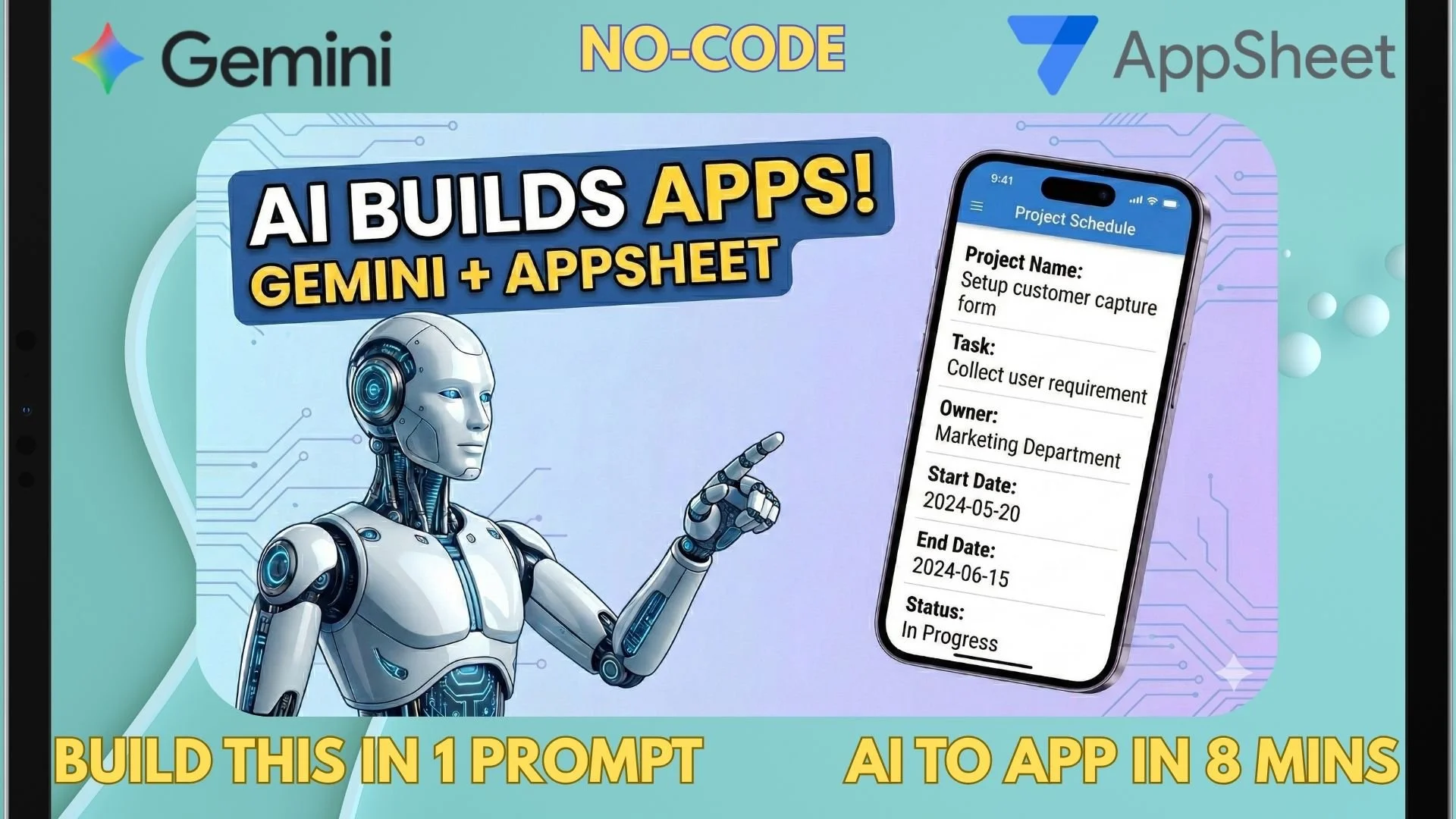
In this video, I’m showing you how to move beyond static spreadsheets and expensive third-party tools. As a Sole Director running my business, I’m always looking for ways to optimize my workflow using the tools I already have.
Today, I’m using Google Gemini and Google AppSheet to build a fully functional Project Schedule App from scratch in just 8 minutes. No coding required!
[What you will learn in this video]
- How to use Gemini to "prompt" a database structure.
- Setting up Projects, Tasks, and Subtasks.
- Deploying your app for Mobile, Tablet, and Desktop.
- How to access AppSheet Core within your existing Google Workspace subscription.
Want to build this exact app? Copy and paste my prompt below to your Gemini with AppSheet:
Create a project tracker that I can put project task (free text), project sub task (free text), project start date (date prompt), project end date (date prompt), project owner (free text), project status (drop down box of "Open", "In Progress","Completed"), project owner (free text) and remark (free text). User can add, edit and delete each project task.