

I Tried to Create a Project Weekly Status Dashboard with 1 AI Prompt. It Failed.
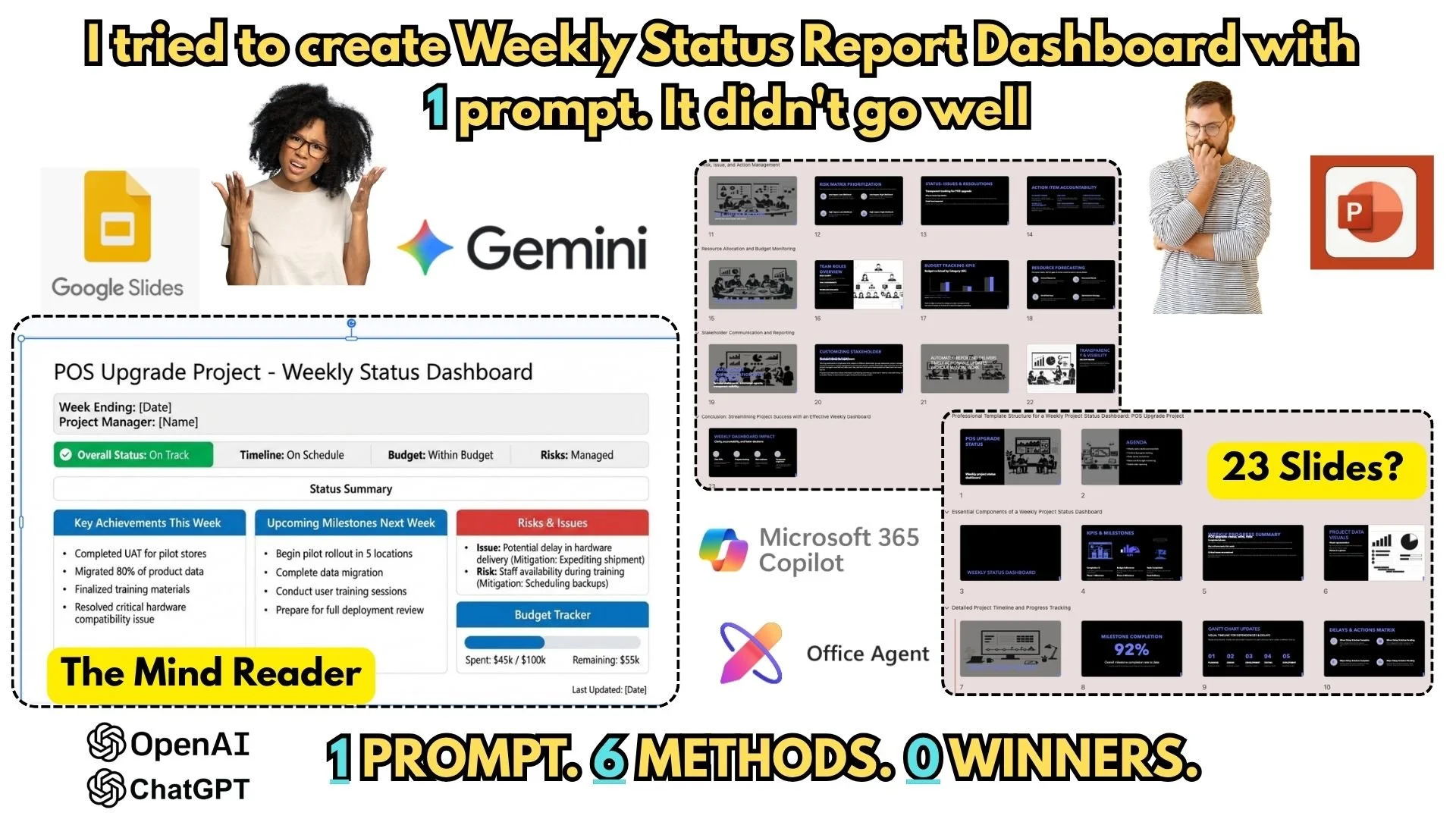
Can AI actually build a professional Project Weekly Status Dashboard with just one prompt?
As an experienced Project Manager, I’m obsessed with efficiency. Today, I put the top AI tools to the ultimate test for a POS Upgrade Project. I gave the same prompt to 6 different AI methods to see if they could generate a clean, 3-page editable dashboard.
The results were... unexpected. From a 23-slide "overkill" deck to a beautiful "ghost" graphic you can't even edit, I found out exactly where the limits of AI currently sit in 2026.
Methods Tested:
- Microsoft Copilot (Chat in PPT)
- Microsoft Copilot (Icon in PPT)
- Copilot Agent Mode
- Office Agent
- ChatGPT Agent (OpenAI)
- Google Gemini (Google Slides)
If you're a PM looking to save time, watch this before you spend hours fighting with these tools. One tool "read my mind" but failed the utility test—see which one it was!
UP NEXT: I won't stop at failure. In the next video, I’ll be sharing my personal workflow and the "Master Prompt" that actually produces a working, editable status report. Make sure to subscribe so you don't miss the solution!
#ProjectManagement #AI #MicrosoftCopilot #ChatGPT #GoogleGemini #ProjectDashboard #Productivity #POSUpgrade #GenerativeAI #ProjectManagerLife