

I Built a Power Pages Portal in minutes using AI Copilot! (Full Tutorial)
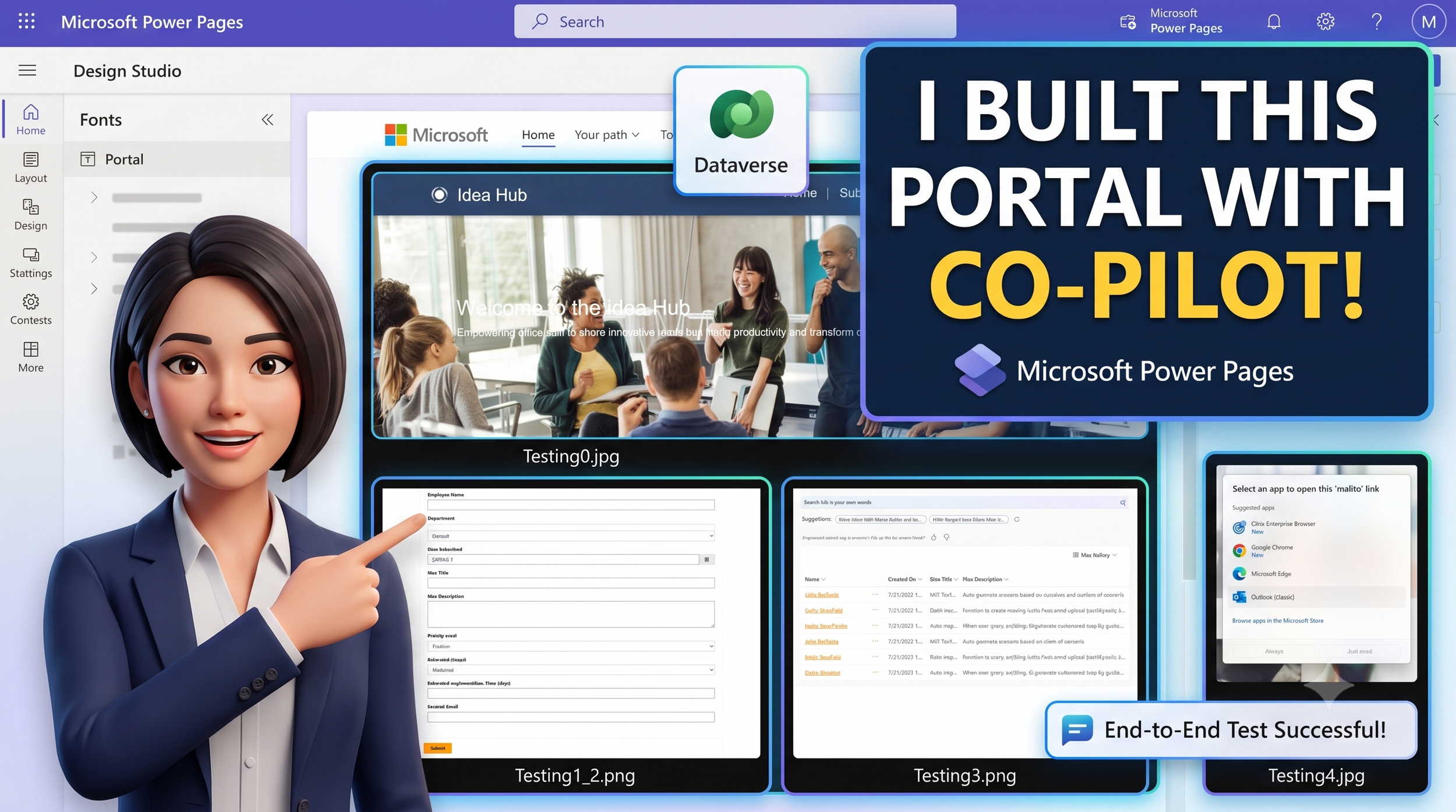
Can Microsoft Power Pages Copilot build a full employee portal from scratch? In this step-by-step tutorial, I build an "Idea Brainstorm Portal" using Power Pages, Copilot, and Dataverse—and test every single feature live.
We'll cover generating draft layouts with AI, creating data collection forms, building Dataverse views, and setting up contact actions. You'll also see what happens when Copilot hits a roadblock and how to solve it using ChatGPT!
💡What you'll see in this video:
- Using Copilot prompts to generate initial page layouts
- Automatically creating forms and data tables in Dataverse
- Setting up security and table permissions
- Displaying data views on an "Idea Gallery" page
- Troubleshooting Copilot layout limitations
- End-to-end testing of submissions, galleries, and button workflows
🛠️ Tools Used:
- Microsoft Power Pages
- Microsoft Dataverse
- Power Pages Copilot
- ChatGPT
If you found this tutorial helpful, please LIKE, SUBSCRIBE, and drop a comment below with your thoughts or questions about building with Power Pages!
#MicrosoftPowerPages #PowerPlatform #Copilot #Dataverse #LowCode #AITutorial #TechTutorial